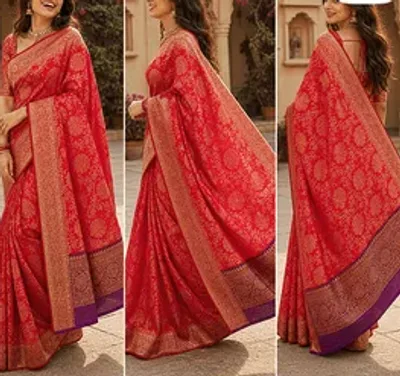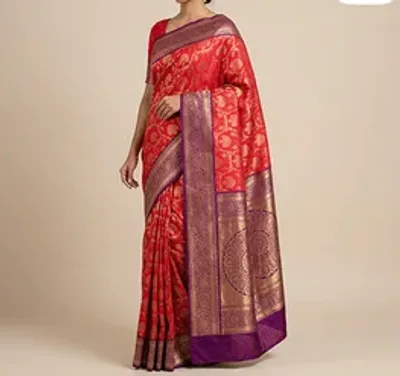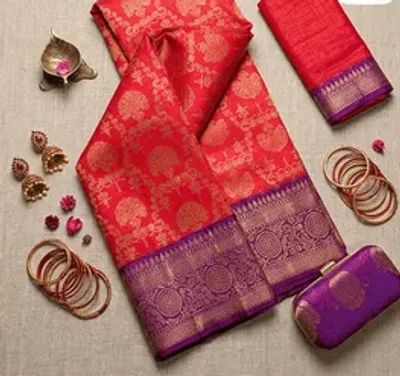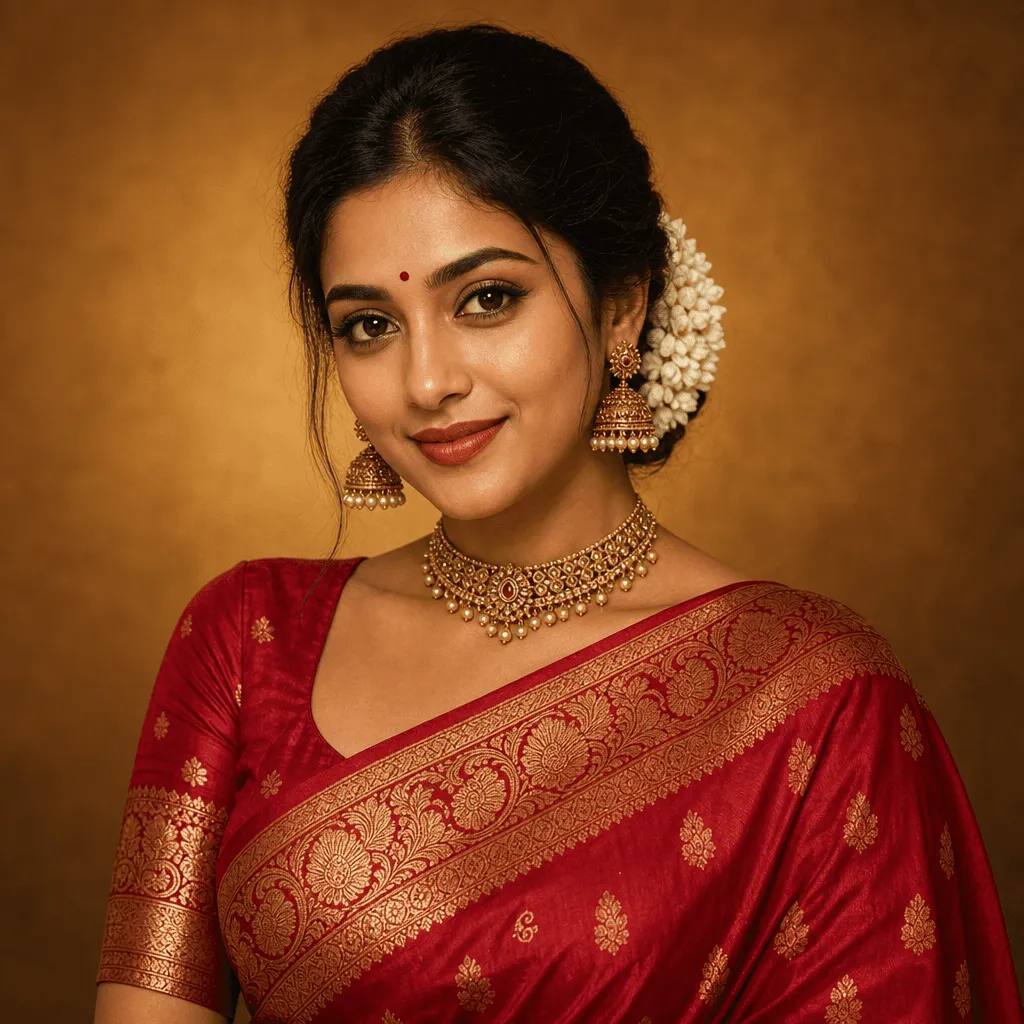
All works
Mobile·AI image creator

One phone photo. A full product shoot.

Flyr

Scroll

Details

One phone photo becomes publishable ad creative for India’s smallest sellers.

Role
Product + design0 → 1
Duration
4 weeks
Platform
Mobile · B2B
Year
2026

Part 01

Overview

From any random click to e‑commerce-ready images

One phone photo in. Images and short videos of the product on a model out, set for the occasion. Built for sellers who can’t afford a photographer.

₹3Cr+monthly revenue
16Kpaying sellers
58%month-3 retention, up from 36%

Snap one photo. Pick a look. Publish.

A seller photographs the product where it lies, picks the model, and gets back a studio shot ready to share. No prompt to write, no settings to learn before the first result.

  1. SnapOne phone photo, as it lies.
  2. Pick a lookThe model, in one tap.
  3. PublishA model shot, straight to WhatsApp.

The business bet

By November 2025 an image cost ₹1–2.50 + GST, not a day in a studio. We chose the buyer first, by willingness to pay: almost nobody pays ₹700 a month for free-looking AI images.

Choosing the buyer before we chose the problem.

A young woman taking a casual selfie
Ruled out Casual consumer
  • Wants AI images
  • Won’t pay for them
  • No revenue attached

No revenue from the output, and free tools everywhere. A novelty, not a need.

A family clothing business of four with garments and parcels
Our buyer A 3–4 person business
  • Needs the images
  • Already pays for shoots
  • Output drives sales

Output drives sales, they already pay for photos, and they have income.

Part 02

Problem

Key questions that needed answers

Each needed the same thing: going and looking.

The observation

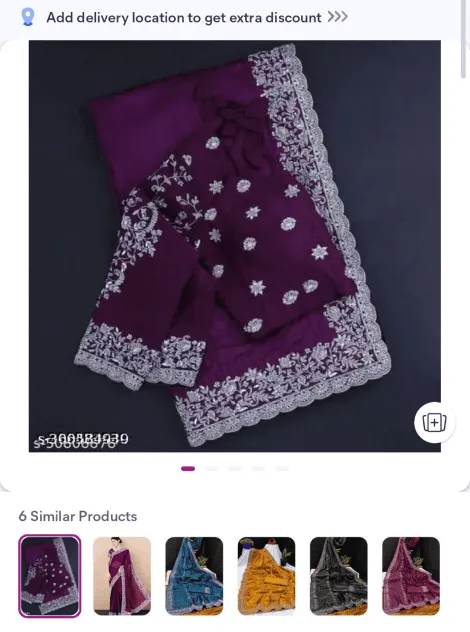
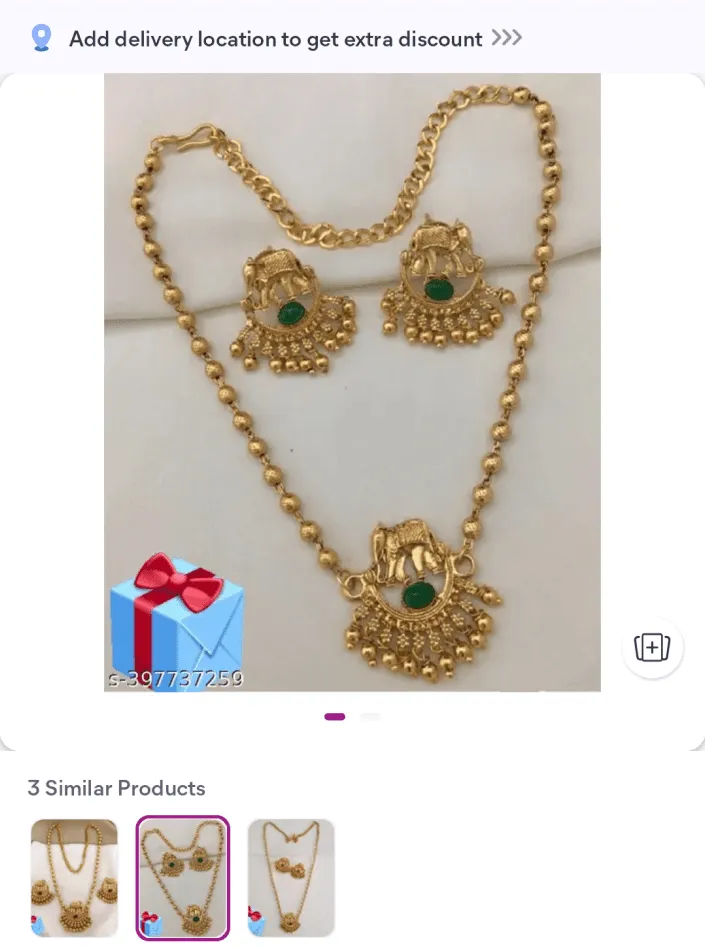
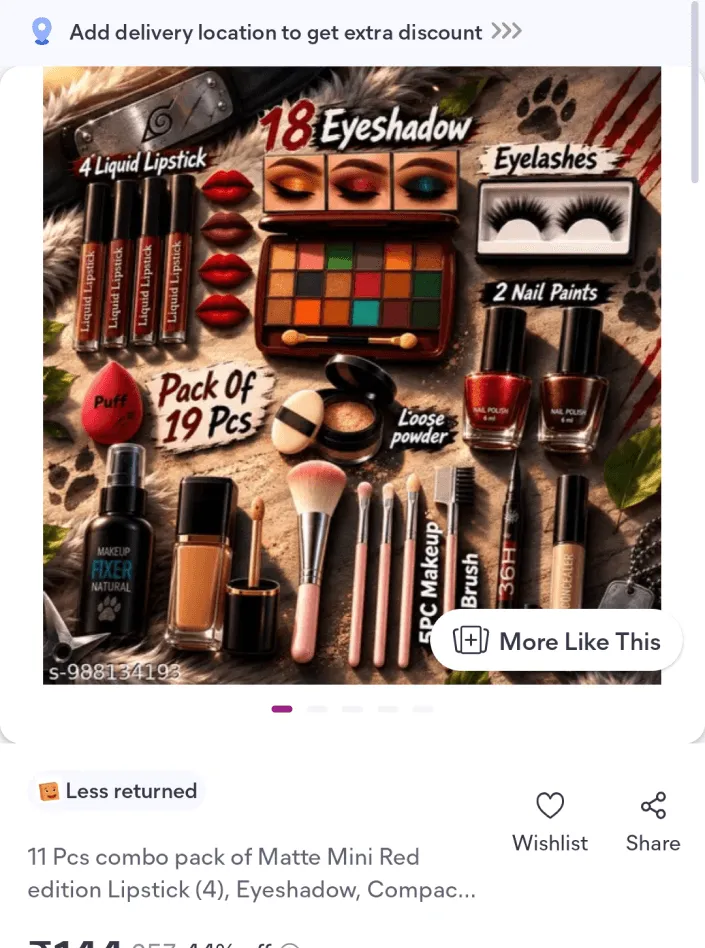
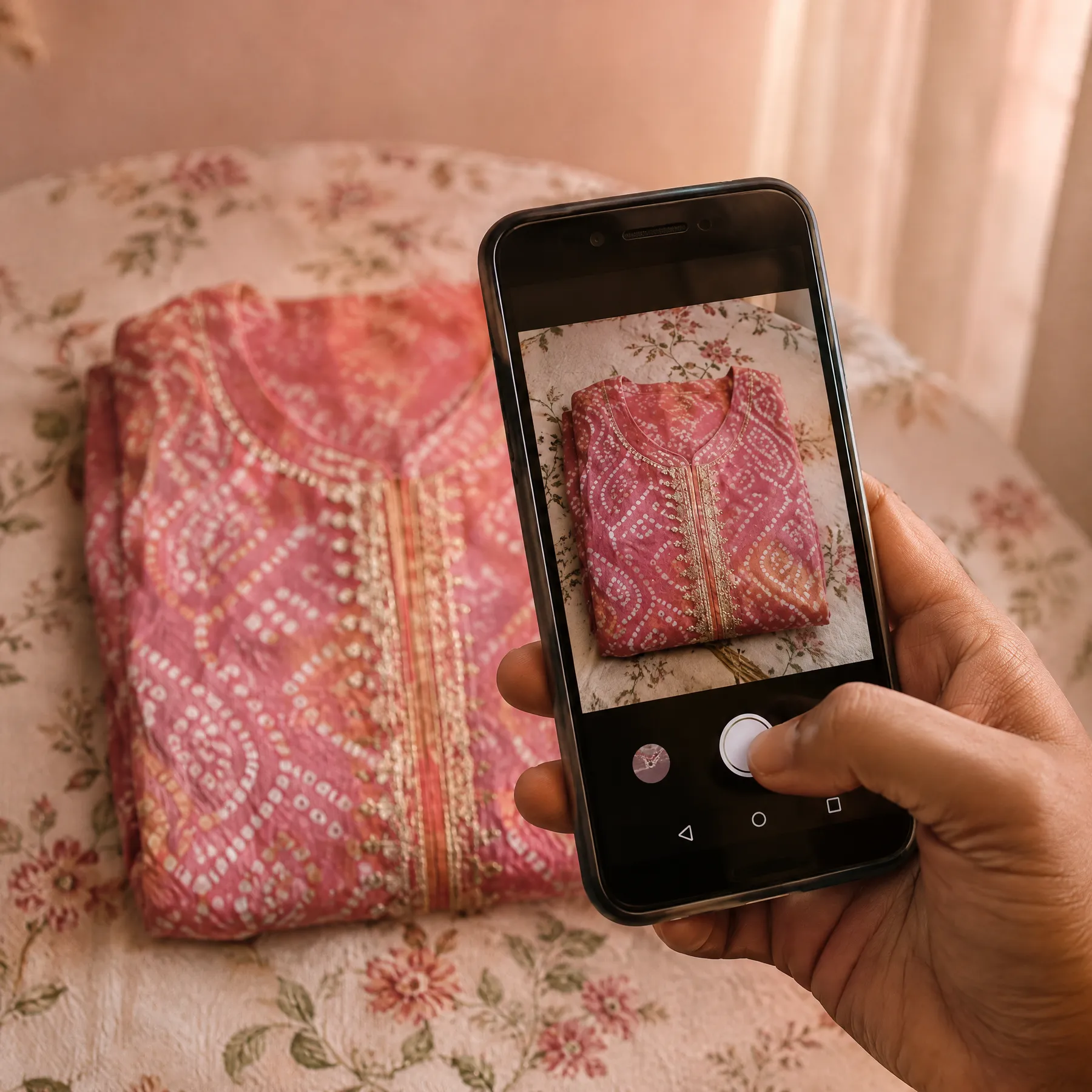
On Meesho, kurtas under ₹500 all had the same three photos: flat on a bed, crumpled, a fabric close-up.

A shoot costs ₹200 per SKU, ₹500 with a model. At 3–4 new SKUs a month it never adds up, so they shoot on a bedsheet with a phone.

40

Meesho listings in, I couldn’t tell them apart. Neither could a buyer.

A real marketplace listing photo

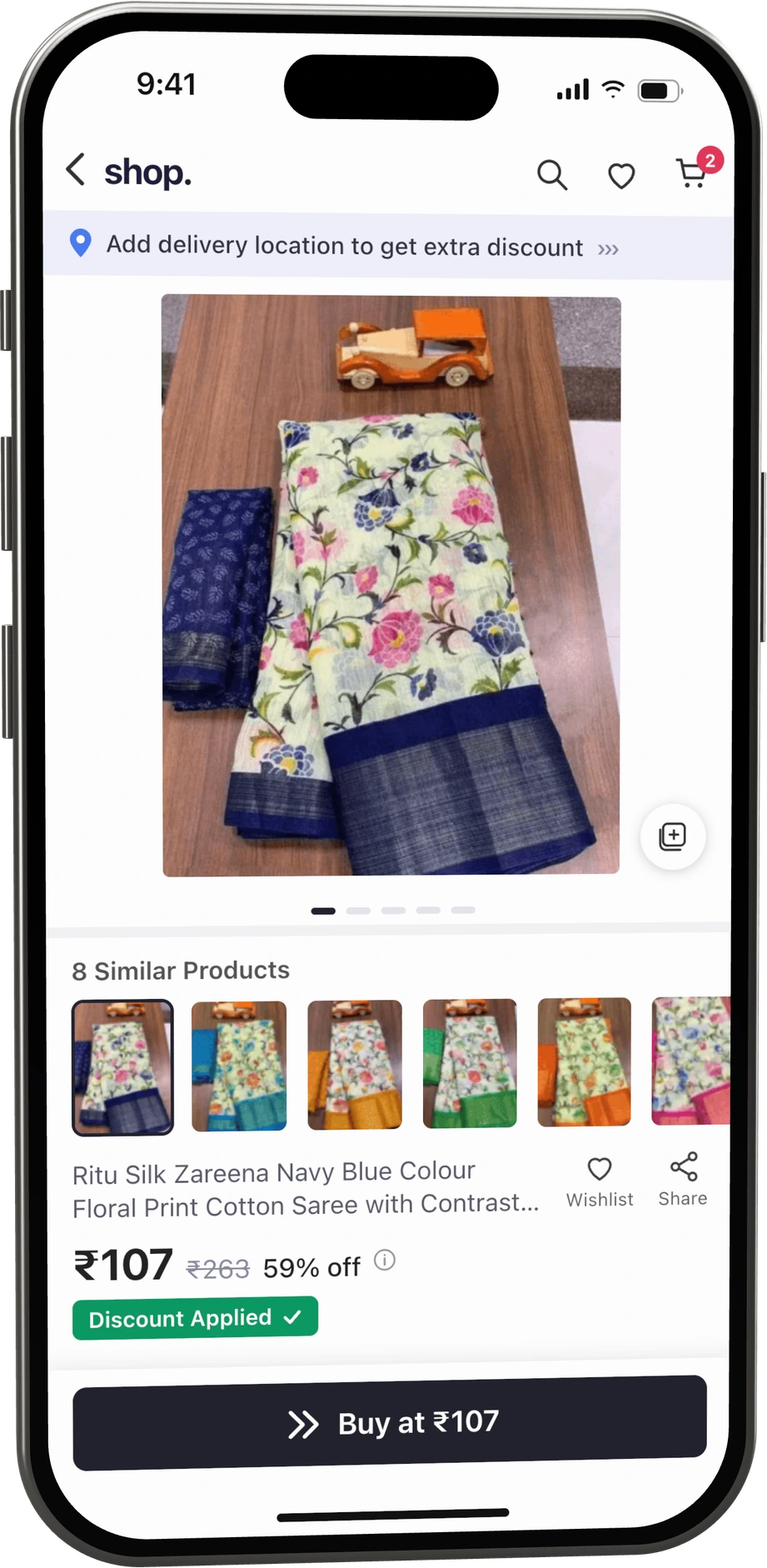
Eight of the forty. Real listings, as sellers uploaded them.

The platform problem

Yet the same sellers sold the same stock, at the same price, with the same photos, on WhatsApp. Something carried the sale there that was missing on the marketplace.

How the business runs

Two or three people, often one family, in one room in a tier 2–4 city. Four or five new SKUs a month, each listed on Meesho, Amazon and Myntra.

The three are a ladder, gated by photography: Meesho takes almost anything, Amazon has standards, Myntra demands model shots. Bad photos lock sellers out of the best-margin channel.

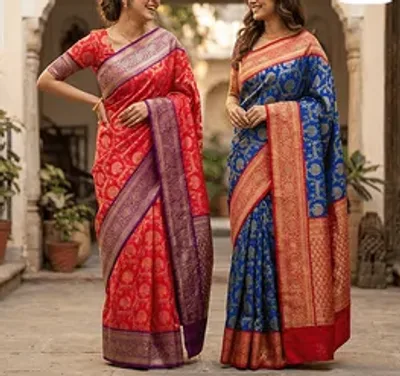
The marketplace ladder: the same saree listed on Meesho, Amazon and Myntra, each asking more of the photo
The marketplace ladderMeesho takes almost any image, Amazon has standards, Myntra wants model shots.

Part 03

Research

Insights from the user research.

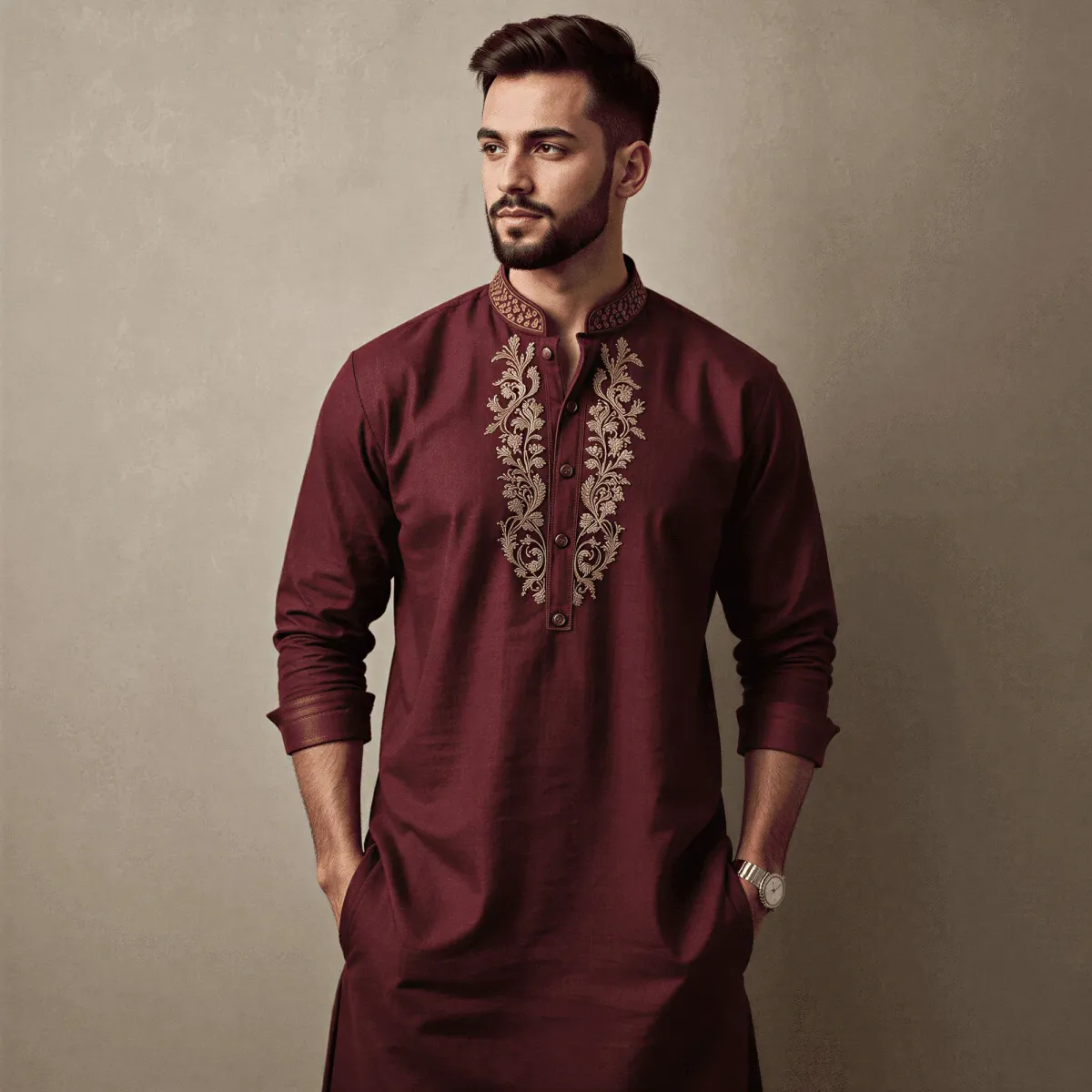
A kurta on a model, the kind of shot Myntra asks for
Insight 01

Photography isn’t how they compete on a marketplace. It’s how they qualify for one.

So the output had to match each rung of the ladder. That’s where the four formats came from, including a branded status no ad tool makes.
A single product photo of a sneaker
Insight 02

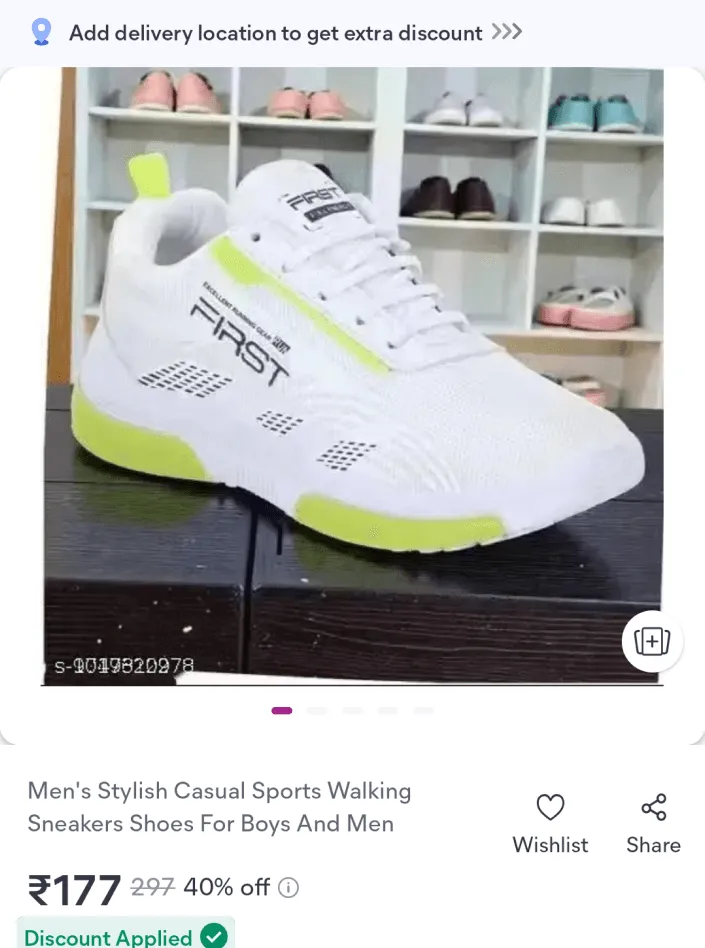
There is no second photo. What they have is all they will ever have.

One photo, permanently. Guided capture, retry prompts and quality gates were cut the same week.

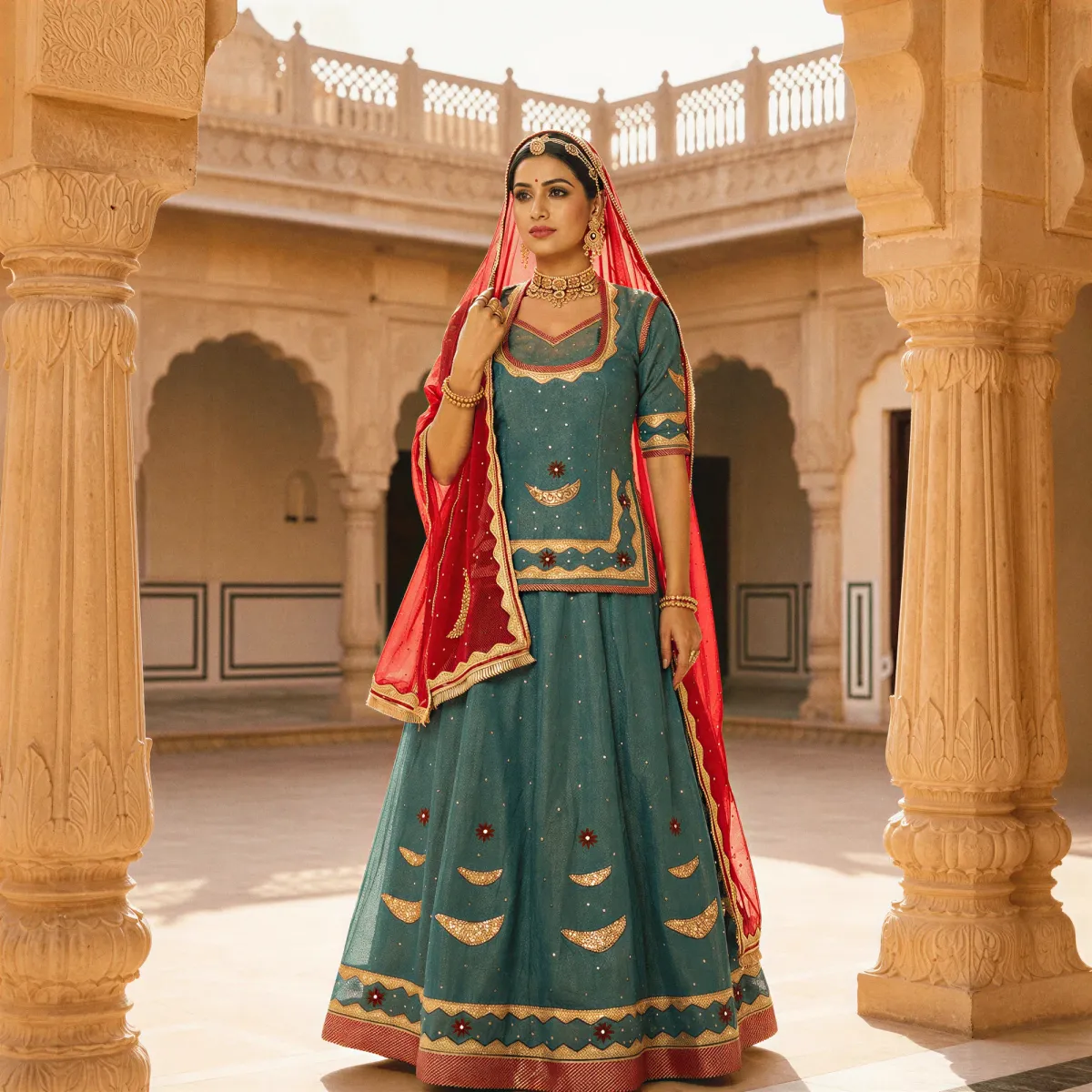
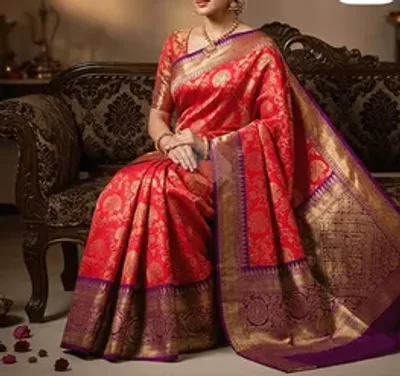
A saree worn in a setting, with the shop’s name and number set into the image
Insight 03

They don’t sell the product. They sell the certainty around it.

The image had to carry context: an occasion, a person wearing it, a place. “Make it sharper” stopped being an answer.

A finished saree creative to react to
Insight 04

They know exactly what they want. They just can’t say it first.

Asking them to describe fails; showing them something to react to works. Choose an outcome, don’t configure an input.

The job wasn’t better photos.

It was a creative every platform accepts, from a seller who can’t describe one.

The reframe
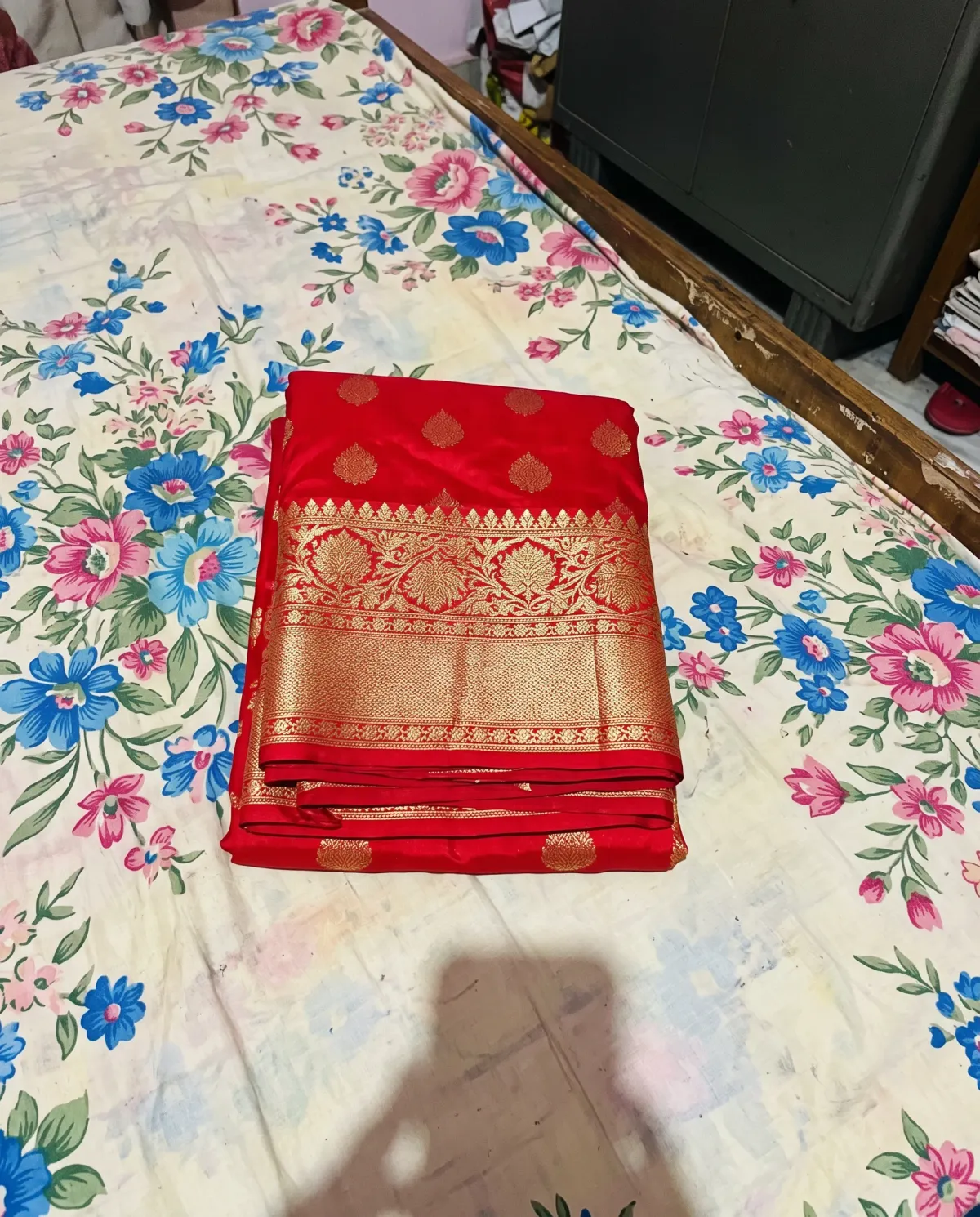
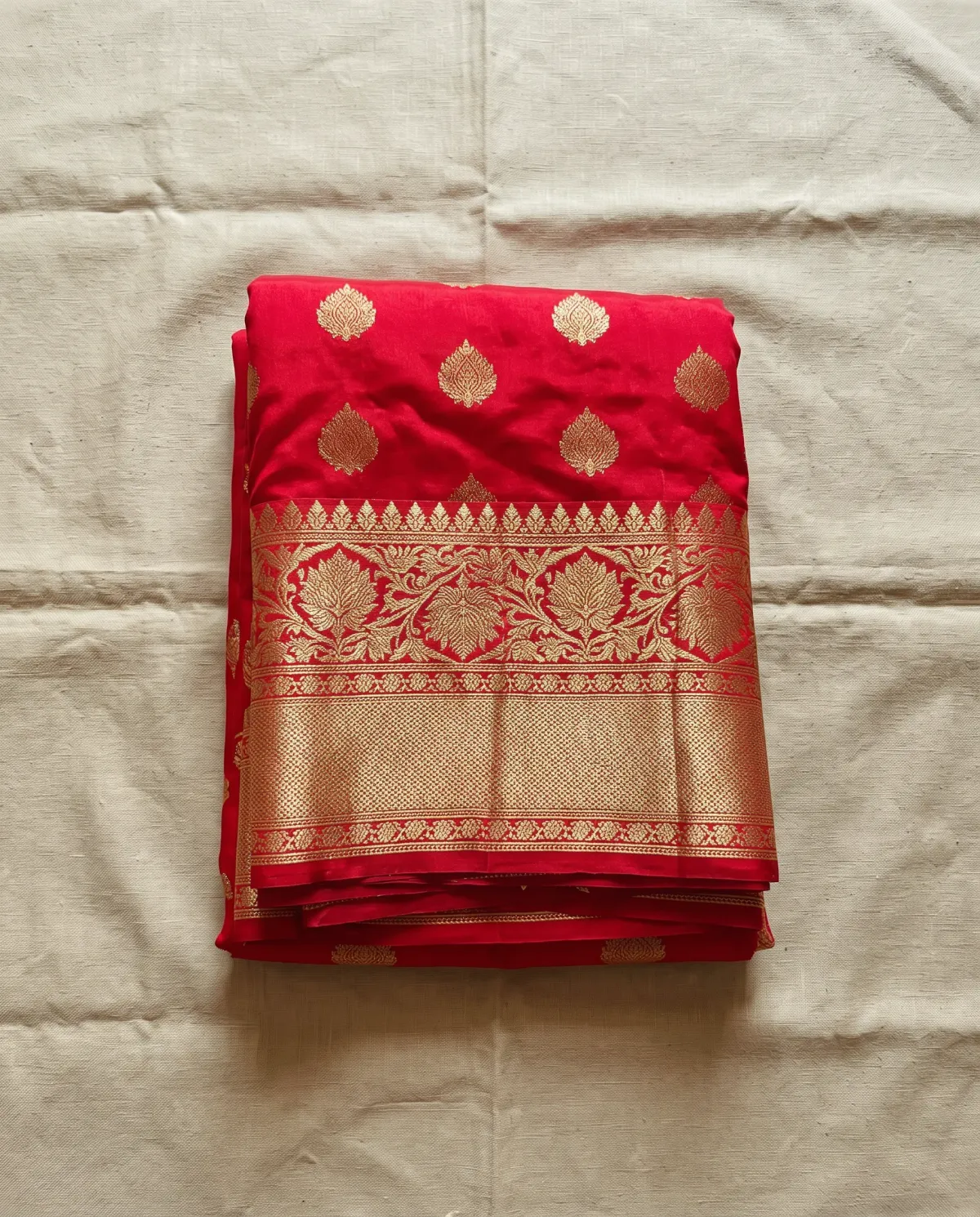
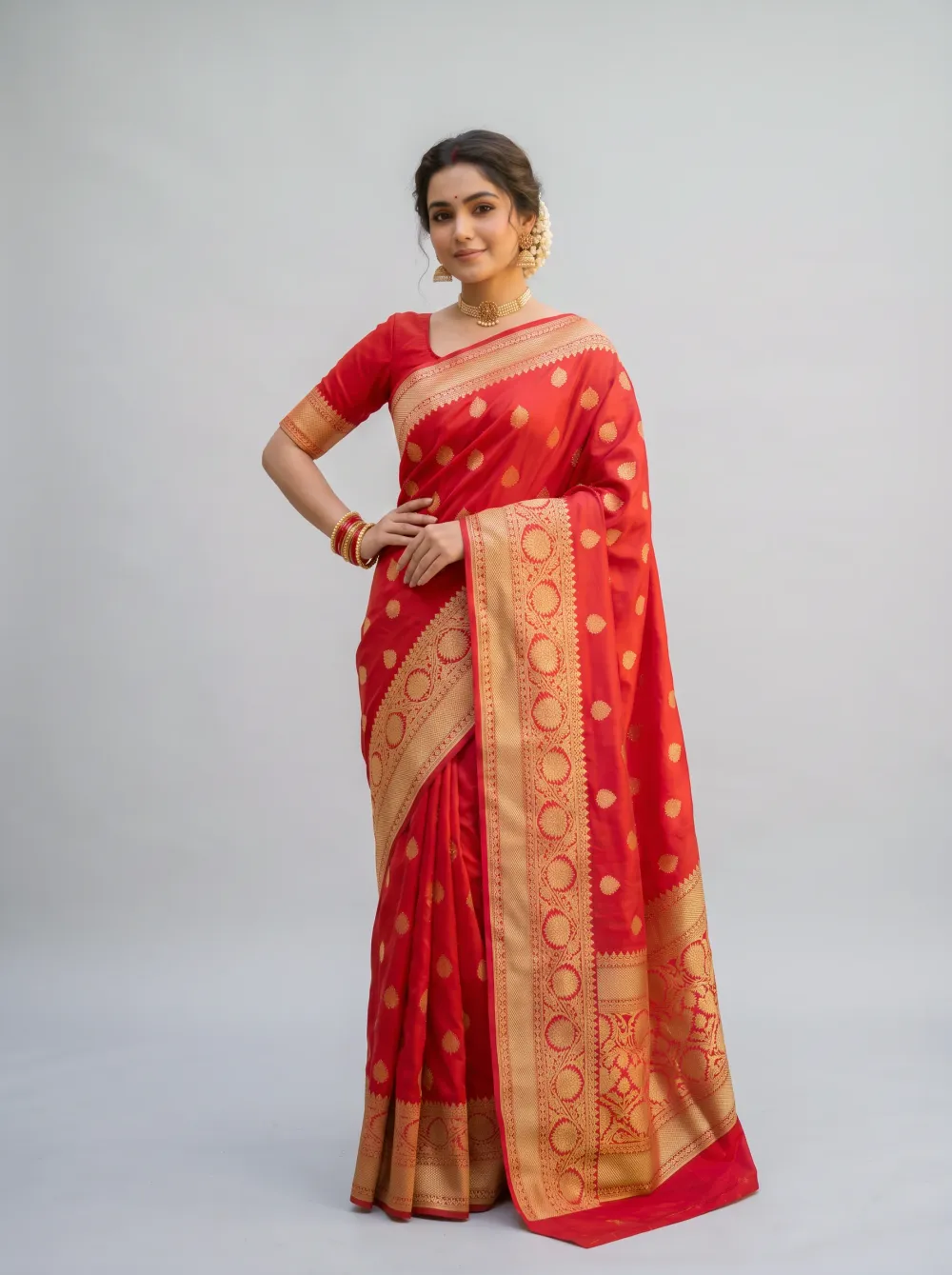
The seller’s phone photo of a red Banarasi saree on a bedsheet

One phone photo

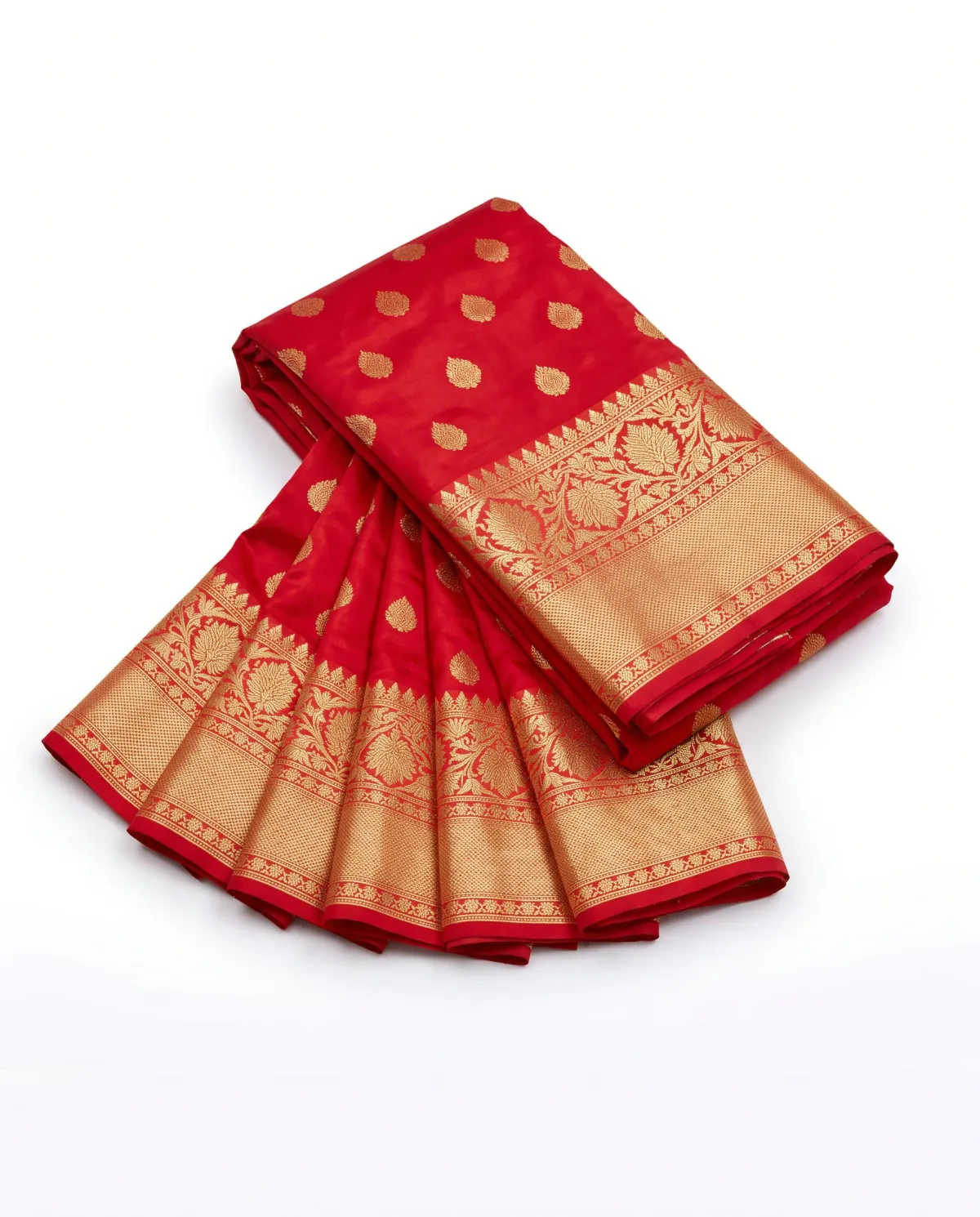
The saree folded on a plain beige cloth

Meesho

Clean and simple

The saree folded with its pallu fanned on white

Amazon

White background

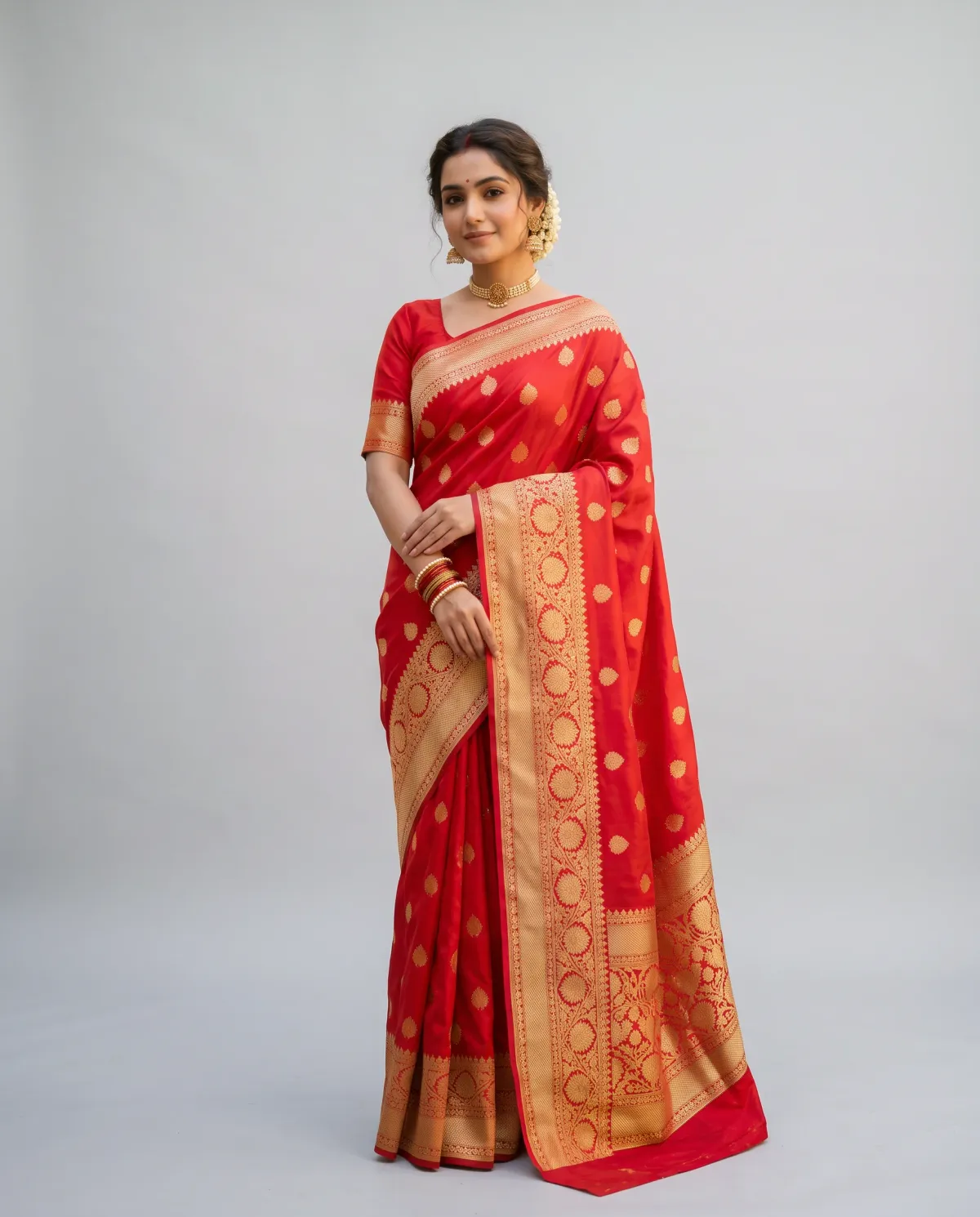
The saree on a model against a grey studio backdrop

Myntra

On a model

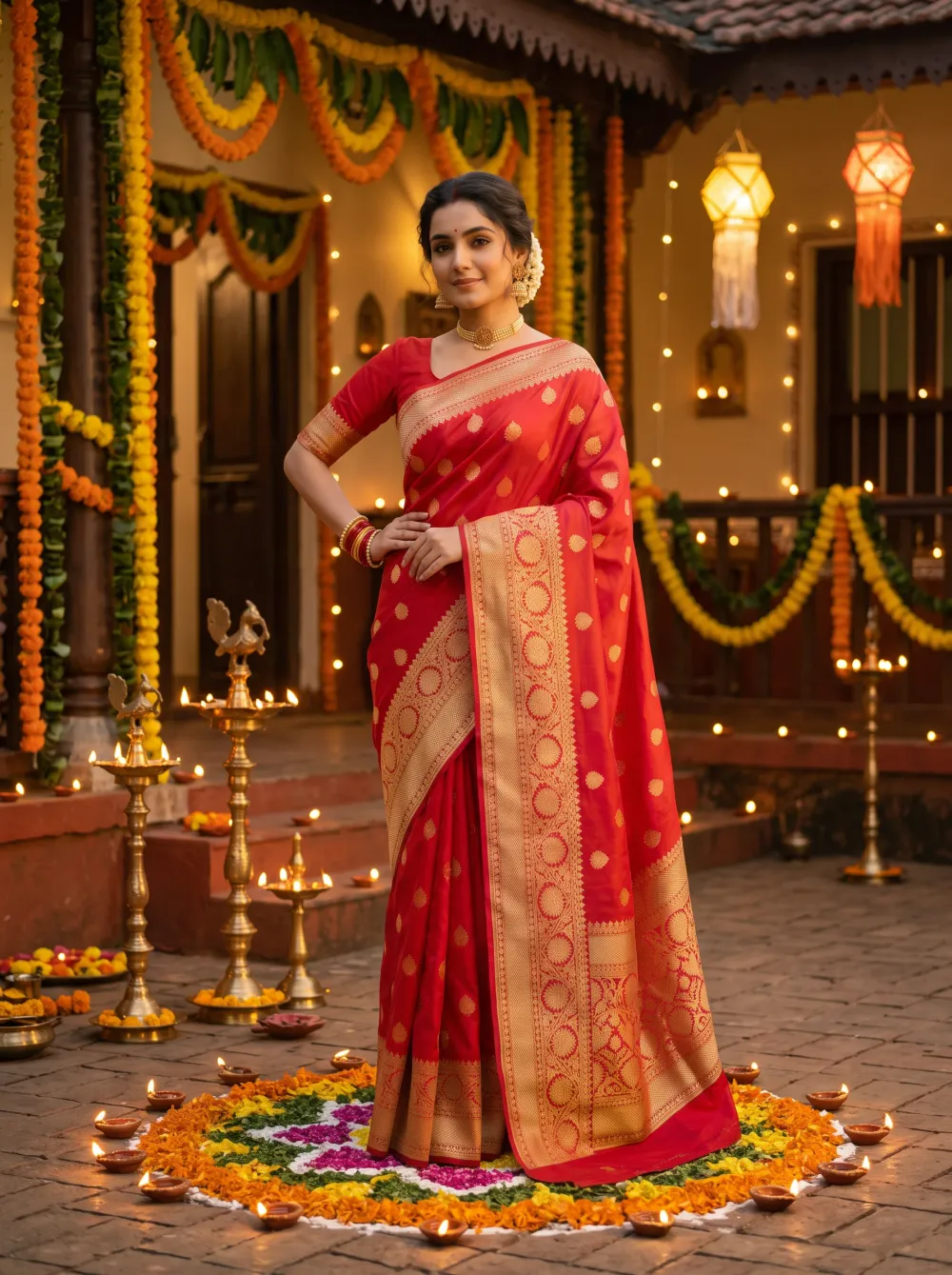
The saree on a model at Diwali, with the shop’s name and number

WhatsApp

Branded status

What the design had to survive

Seven constraints, from the people and from the tech.

From the sellers

  • Digital literacyThey skim. Many read English slowly.
  • No design vocabulary“Lifestyle” and “editorial” mean nothing.
  • Need for controlA say in the image makes it theirs.
  • Four or five SKUs a monthWorked on in bursts between orders.

From the system

  • Prompt structureCustomisation can’t break the product.
  • A wrong image costs moreShow detail it lacks, and it comes back as a return.
  • Generation isn’t instant8 seconds on patchy 4G. Drops are normal.

Problems to solve

Eight rules every screen had to pass.

  1. 01One photo in, one photo out

    No reshoots, no second angle.

  2. 02Three decisions, not thirty

    Model, occasion, format.

  3. 03Nothing to read

    Pictures, not prose.

  4. 04No vocabulary to learn

    Their words, not ours.

  5. 05Faithful, not flattering

    The product as it is, so nothing comes back.

  6. 06Right the first time

    A retry costs credits and trust.

  7. 07Works across platforms

    From Meesho to WhatsApp status.

  8. 08Builds in trust

    Show first, then ask.

The ideal flow.

A red Banarasi saree folded on a floral bedsheet, shot on a phone
01 UploadTheir phone photo, as it was shot.
A finished look from the style feed: a model in an ivory saree in a haveli courtyard
02 Select a styleA finished look, picked from the feed.
The same red Banarasi saree, now worn by the chosen model in the courtyard
03 CustomiseTheir saree, in that look, on the model they chose.
A WhatsApp status creative: the model in the red saree beside Diwali diyas, with a Radha Sarees band
04 GenerateA status post with the shop’s name on it.

Competitor analysis

Every tool assumes a skilled person with an afternoon. Ours has neither.
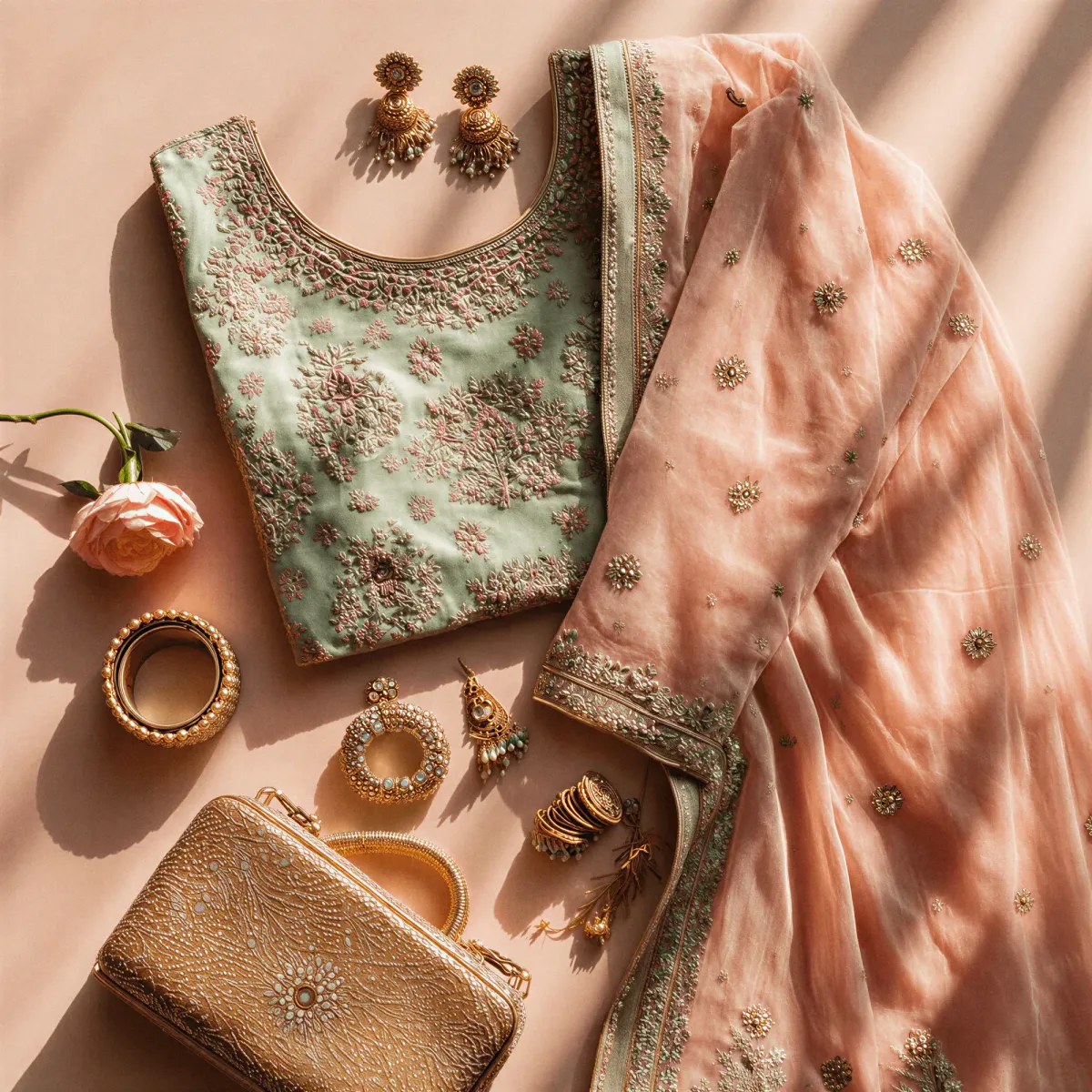
They hand you tools. We hand over taste.PhotoRoom trusts the seller to compose. Ours has no reference for good.
They stage a product. We put it on a person.In Indian apparel, the model is the sale.
They format for storefronts. We format for status.These sellers sell on WhatsApp status, so the shop’s name goes on the image.

What we can now conclude.

01

What they come for

The outputs they’d pay for.

  • Product on a model
  • Catalogue
  • Video
  • Branding
02

The MVP

What v1 had to get right.

  • Photo in, photo out
  • Usable output
  • Product consistency
  • Download and share
  • Customisation
03

What adds value

What makes an image sell. This became marketing posters.

  • Offers and sales
  • Product highlights
  • Festive creatives
  • Inspirations
  • Product process
04

What no one wants

The work Flyr removes.

  • Booking a shoot
  • Sizing creatives
  • Hiring a model
  • Writing a brief
  • Festive re-shoots
05

What they want to control

Where they keep a say.

  • Aspect ratio
  • Model faces
  • Business details
  • Special instructions
  • Output
06

What will earn revenue

What comes next.

  • Direct to e‑commerce
  • Automated creatives
  • Festive calendar
  • Brand kit
  • Swap product
Set before design

What success would look like

Three measures, set before any screen was drawn.

01

A high publish rate

Creatives posted without editing.

02

Retention through month three

Sellers still creating by month 3.

03

Creatives on live listings

Output that actually goes on sale.

Part 04

Decisions

Decision 01

What a shoot should produce

Clothing and jewellery first, where the gap was widest. Category changes what the system makes.

Four formats

Studio image: a model holding a leather bag
ImageA studio or lifestyle shot.
Video frame: a model in a red saree
Video RetiredShort clips on a model. Later removed.
Catalogue shot: a lehenga, full length
CatalogueEvery angle a listing needs.
Branding: a saree shot with the shop’s name and number
BrandingName, logo and number on the image.
Decision 02

How much to customise

Dozens of parameters, none the seller can judge. Full automation failed too: it felt like handing over the shop. So they direct only what they know.

Who gets to direct

  • Model genderWho buys this?

    They’ve watched who walks in and who reorders.

  • Model typeRelatable or aspirational, and at what price?

    It’s a pricing decision.

  • SceneWhere is this used or worn?

    Their product, their customer’s life.

  • OccasionWhen is it for?

    Their stock calendar already runs on it.

  • PoseWhich angle sells this product?

    They know which detail closes the sale.

  • Aspect ratioWhere am I posting this?

    A distribution question, not a crop question.

  • Business detailsWhose shop is this?

    Name, logo and number feed the branding format.

One photo, one control at a time

  1. Raw image: Their photo

    01 · Raw image

    Their photo

  2. Model: Female · Indian

    02 · Model

    Female · Indian

  3. Pose: Editorial

    03 · Pose

    Editorial

  4. Occasion: Diwali

    04 · Occasion

    Diwali

  5. Aspect ratio: 1 : 1

    05 · Aspect ratio

    1 : 1

  6. Business details: Name and number

    06 · Business details

    Name and number

One photo, one control at a time.
Decision 03

What sits up front

18 sellers tested it on products they were selling that week. Only the model face got changed again and again, so it sits up front. Everything else is one sheet down.

What 18 sellers touched

Model faceRepeatedly, and asked for it upfront
14
Special instructionsWanted to add some details
9
Aspect ratioSet once, never revisited
7
Business detailsA tick-box: set it, forget it
5
Clothing settingsDidn’t care
3

Of 18 sellers, on their own products.

The settings, one sheet down

Settings sheetsModel face up front. Instructions and advanced settings one sheet down.

Part 05

Design

Iteration

Home

Three ways to organise Home, then a refinement of the third.

Home organised by output type: create images, create videos, what is new
01 Organised by output type Images vs videos is our taxonomy, not their job.
Home organised by past work: my projects first
02 Organised by past work Empty on day one, and built for finding when they came to make.
Home organised by the job, under a permanent welcome header
03 Organised by the jobA permanent welcome header takes the top of every visit.
Shipped home: categories, then Photoshoot, Catalogue, Branding and Marketing
04 Shipped The job, without the welcome.
Flyr’s shipped home screen

The shipped home asks one question: what are you selling?

  1. Categories on topClothing, Jewellery, Kids. The feed follows the pick.
  2. Four formats as tilesPhotoshoot, Catalogue, Branding, Marketing.
  3. A feed of real resultsEach look has a Try it out button that starts from it.
  4. One way to createThe camera button, in the thumb’s reach.
Iteration

The creation page

Three versions. The shipped one shows the seller’s photo first.

Creation page with every setting visible at once
01 Everything on the surface Every control, all at once.
Creation page with clothing and model settings explained in words
02 Explained in words A paragraph to read and judge.
Shipped creation page: the product first, controls collapsed into two sheets
03 Product first, control collapsed Shipped. Advanced options sit behind two buttons.
Flyr’s shipped creation page

The shipped creation page puts the seller’s own photo first.

  1. The raw uploadThe seller sees the photo they took, as they took it.
  2. Two sheets for the restSpecial instructions and advanced settings, one tap down.
  3. The model, in plain sightThe one choice 14 of 18 sellers changed.
  4. One actionCreate.

Image generation flow

What a seller does, step by step.

Home with the Photoshoot format selected
PhotoshootA model wearing the product.
Home with the Catalogue format selected
CatalogueEvery angle a listing needs.
Home with the Video format selected
VideoShort clips on a model. Later removed.
Home with the Branding format selected
BrandingName, logo and number on the image.

Part 06

Impact

Where I was wrong about the market

I expected clothing to lead. Jewellery came back just as strong: small, reflective and nearly impossible to shoot on a phone.

Share by category

Clothing 62%
Jewellery 25%
Everything else 13%

Share of all generations, by category.

Video as a feature

Tested with 1.25% of new sellers. One video cost 8 credits, as much as eight images. Sellers disliked it, so we removed it.
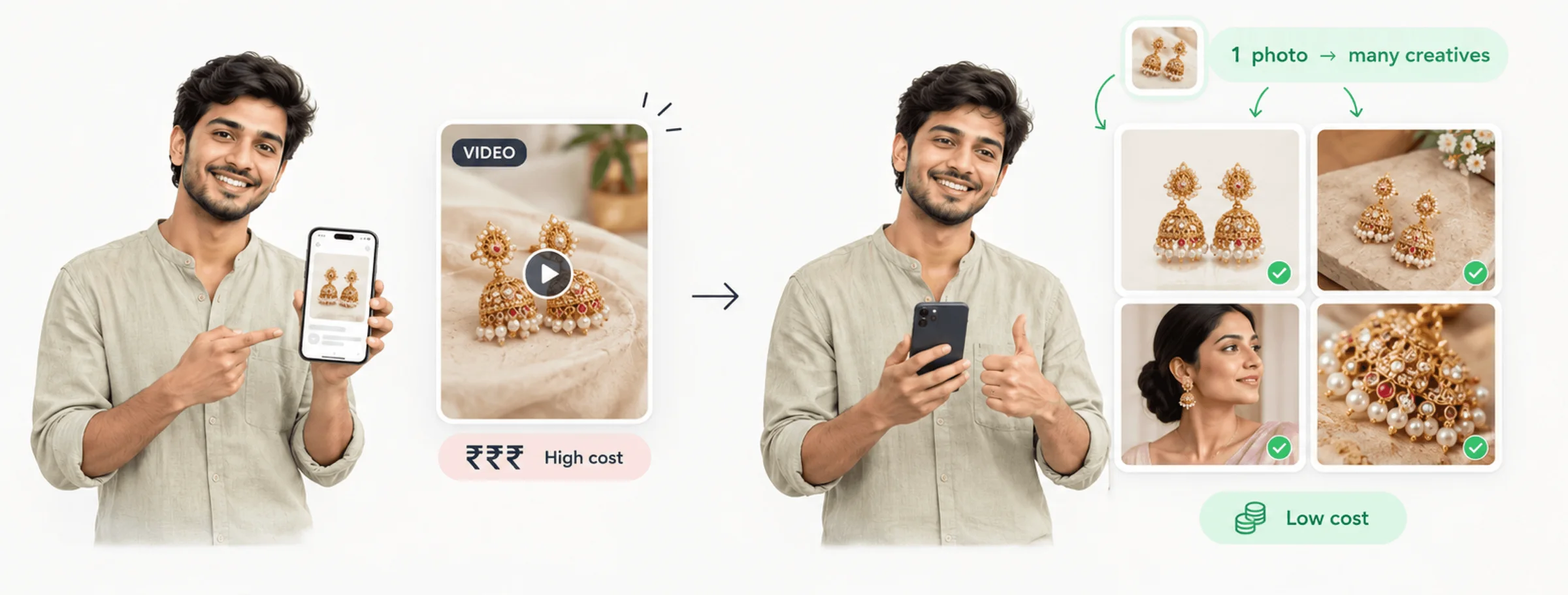
Video: high cost for one clip. Images: one photo becomes many creatives at low cost
Video resultsOne costly clip, against many images from one photo.

The new scenario.

  • RemovedVideo

    Cost too much for what it moved.

  • AddedMarketing posters

    Now one of the things they come for.

  • ShippedSwap product

    The one revenue idea built so far.

Marketing posters as a feature

v1 made the product look properly shot. Posters make the image sell: a price, a reason, some urgency, as the seller would in person.

Offer and price₹499. Two left. Festival rate. On the image.
Product highlightOne plain fact: fabric, fit, weight or warranty.
Sales and urgencyNew stock, last day, limited pieces.
Create marketing: product photo, marketing type and text
01 CreateSame page, one new choice.
Marketing type sheet: advertisements, sales, highlights, festivals
02 TypeOffer, highlight or urgency.
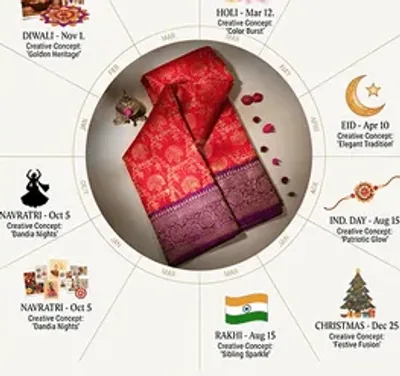
Festivities sheet: this month and coming up
03 FestivalsTheir stock calendar, built in.
Add a festival
04 Add oneTheir own dates too.
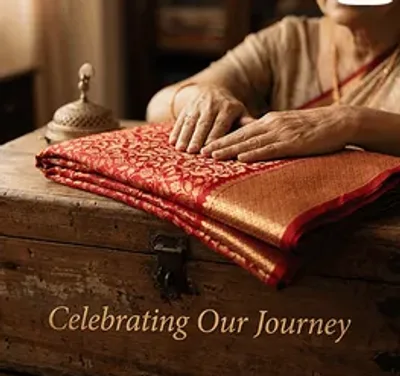
A finished poster: Celebrating our journey
05 PosterReady for WhatsApp status.

Video vs posters

Video · removed1.2videos per user, tested with 1.25% of the target group. Eight credits each, and sellers noticed.
Marketing posters · shipped6.11posters per user, and 66% month-2 activation. Price, reason and urgency, on the image.
MetricVideoPosters
Month-2 activation22%66%
LTP52%57%
Made per user1.26.11

A feature no one asked for

Instagram’s wall of looks, inside Flyr. Tap a look, upload the product, get it in that pose and scene. Now in testing.

Home with featured styles for the seller's category
01 Featured stylesOn home, for their category.
All feature styles: last used and new styles
02 All stylesLast used and new, in one wall.
Use a featured style: upload the product image
03 Use a styleUpload the product. The look stays.

Where it landed.

PhaseImages per dayMonth-3 retentionLTP
Phase 1 · Dec 2025 to Jan 2026Photoshoot + branding8K+36%46%
Phase 2 · Feb to Jun 2026Catalogue added20K+56%55%
FinalMarketing posters + image swap29K+58%58%

How each phase moved the numbers

Phase 1 · Dec–Jan
8K/day36%
Phase 2 · Feb–Jun
20K/day56%
Final
29K/day58%
Images per dayMonth-3 retention

Part 07

Learnings

What this taught me.

  1. 01
    I thought the problem was photo quality.

    It was the seller’s absence.

  2. 02
    I thought removing their decisions would help.

    Less effort isn’t less control.

  3. 03
    I thought the design lived in the interface.

    It lived in a layer nobody sees.

  4. 04
    I thought video would be the unlock.

    Catalogue was, 22 points to 8. The unit of work beats the exciting feature.