
IndiaCan’t make one good image
- 1.2 lakh Shopify stores
- 10–12 SKUs per store
- 70–100 creatives a month
- A tool can charge up to ₹650 (~$7)

A Shopify store that makes its own ads.
Details
Connect a Shopify store and it starts producing its own ads. The merchant approves; they go live.

Part 01
An agent that turns a Shopify catalogue into ad creative, in batch, and publishes it back to the store. For merchants short on volume, not skill.
Flyr worked, so the obvious move was to translate it. But Flyr was shaped around a seller who couldn’t describe what they wanted. A merchant in Ohio or Rotterdam can, and has brand guidelines to prove it.

Not the one we already had, for three reasons.
Generation isn’t cheap at catalogue scale.
Ad creative wears out every few weeks.
₹650 there; up to $500 here.
Same platform, opposite constraints.
If the creative is meant to run as an ad, it shouldn’t stop at a download. Amplify writes back to Shopify and pushes to Meta. Instagram isn’t connected yet: a real gap, not a rounding error.
Listing image vs ad creative

Remove doubt

Create want
Part 02
Each needed the same thing: going and looking.
20–30 studies with merchants across the US and Europe, on how a product gets from supplier to live listing. I was also on every sales call and every onboarding.
Nobody could describe their process in one go. Asked about one product, everyone could. The same nine steps came back every time.
Getting it listed · once
Keeping the ad fresh · every few weeks, forever
What this told us
No deadline, so it slides. The listing works “well enough”.
Steps 6–9 repeat every few weeks. Creative goes stale; numbers fall.
So batch generate, edit and publish became the main interaction.
So Amplify owns the whole loop and writes back to Shopify.
Real editing controls, and an approval step that can’t be skipped.
The agent proposes; the merchant publishes. Nothing goes live without a yes.
In India I designed for a seller who couldn’t make one good image. Here, the merchant can make a great one. Just not enough of them.
One merchant stands in for most of the 88 stores.
“We know what good looks like. We paid for it once. We just can’t make four hundred of them every month.”
Part 03
Not short of taste, tools or ideas. Short of hours. Every product needs images, every ad set needs fresh ones, and each must be reviewed and attached by hand.
The job wasn’t
making creative.It was getting a product from inventory to a live listing, with a human always saying yes.
The reframe
Five things the product had to fix.
Checking 400 images is the slow part.
Getting the file onto the listing is the job.
An ad and a listing image do different jobs.
Nothing learns from a rejection.
Ad sets need fresh creative every few weeks.
Most tools solve a step. Amplify covers the loop.
No exporting, no re-uploading.
Write-back to Shopify is the half of the job nobody else does.
Amplify reads what’s running in the merchant’s category and the Meta Ad Library.
Part 04
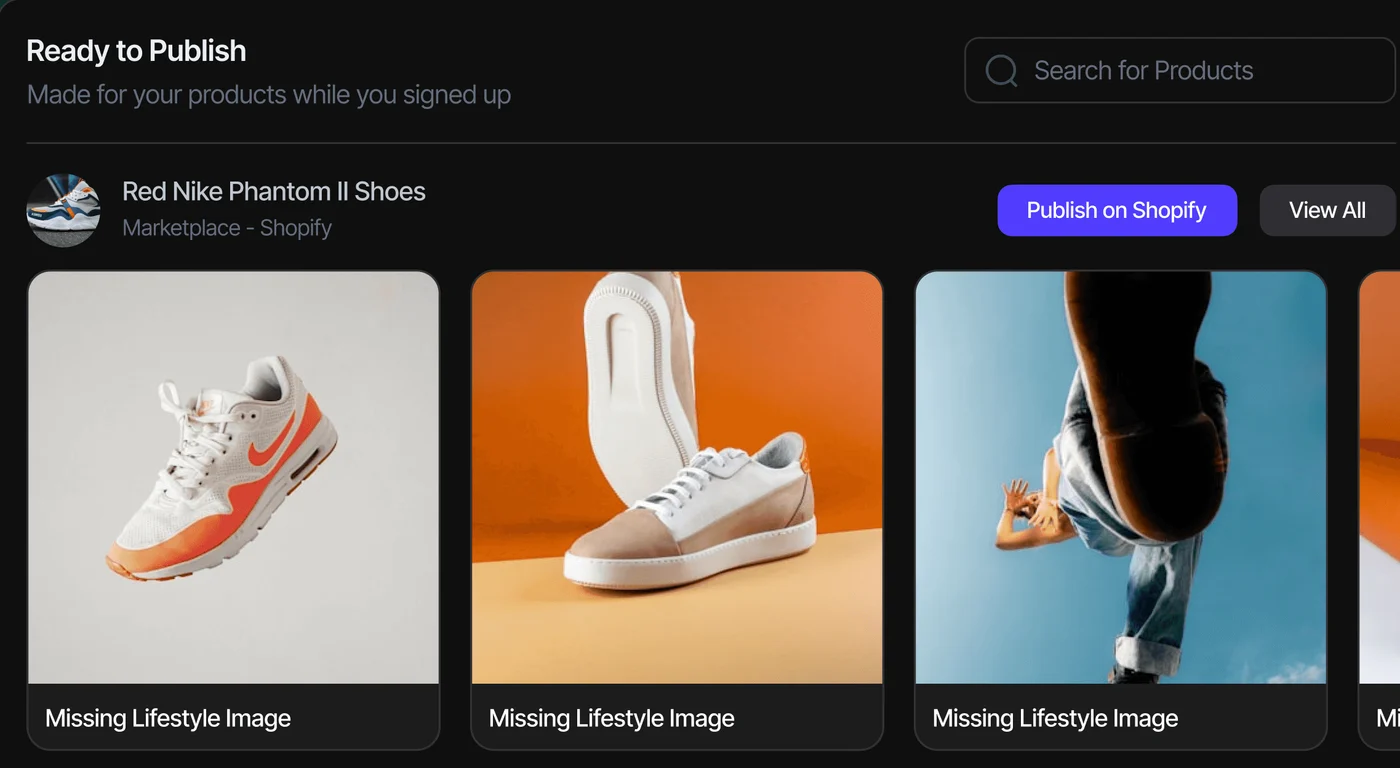
A direct Shopify connection. Connect once, and the catalogue arrives on its own.

The agent works in batches, so the queue had to stay light.
And specific about what was wrong.
Confident defaults. Usually they’re all fine.
A rejection changes the next batch.
400 pending is a burden, not a feature.
✓ ✓
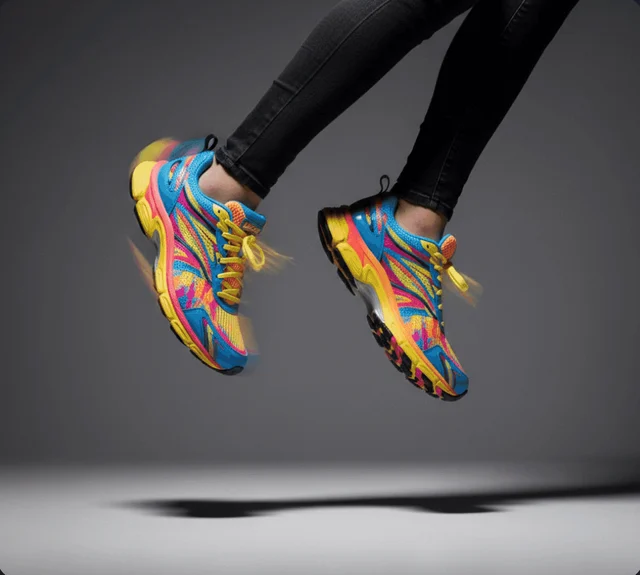 ✕ Wrong colour
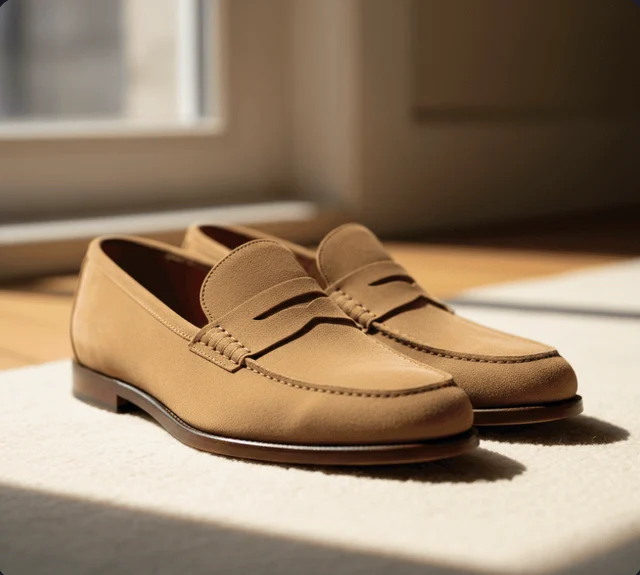 ✓✓
 ✓
A rejection sends the reason to the next batch.
On Flyr I removed lighting, lens and colour. This merchant has a brand and the words for it, so they get every control back. Same reasoning, opposite answer: whose judgment beats the system’s.
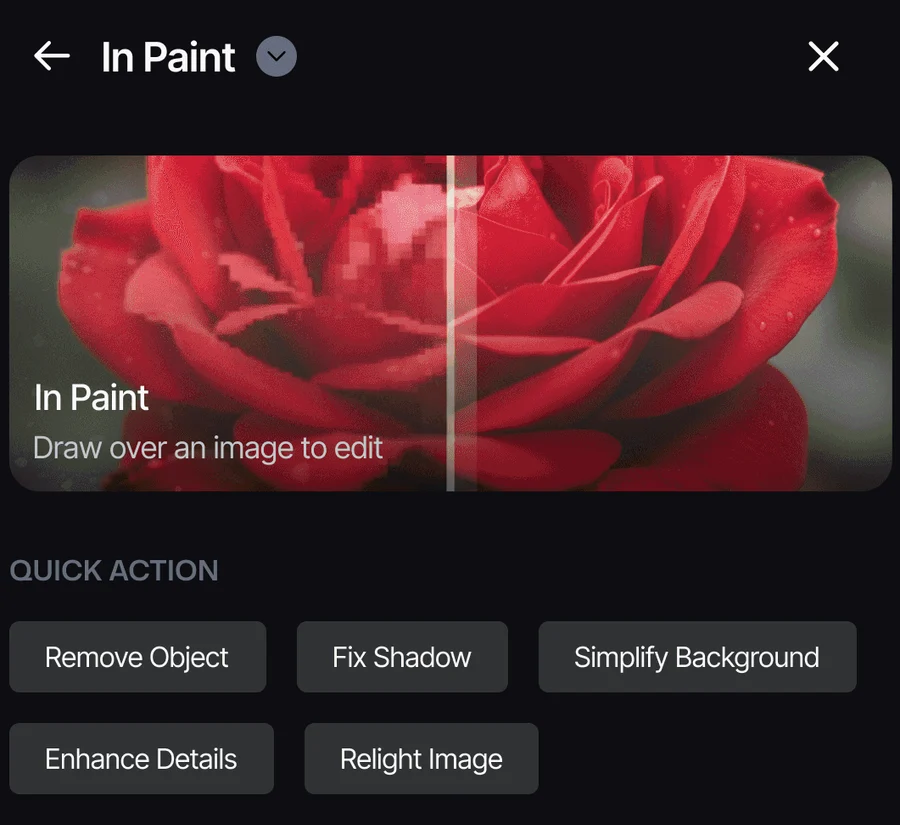

How much each user gets to decide
Part 05
Four directions for the first screen. The fourth shipped.

Analytics first. Numbers to read, nothing to act on.

Catalogue first. Every product a row. Nothing says what to do first.

Chat first. A blank box asks them to know what to ask.
What the agents found. Shipped. It leads with what’s ready and why.
Merchants open Amplify to act, not to read. The shipped dashboard leads with what’s ready to publish and what the agents found, each with the signal behind it, so the first click is an approval, not a search.
Three layouts for the shot setup. The third shipped.
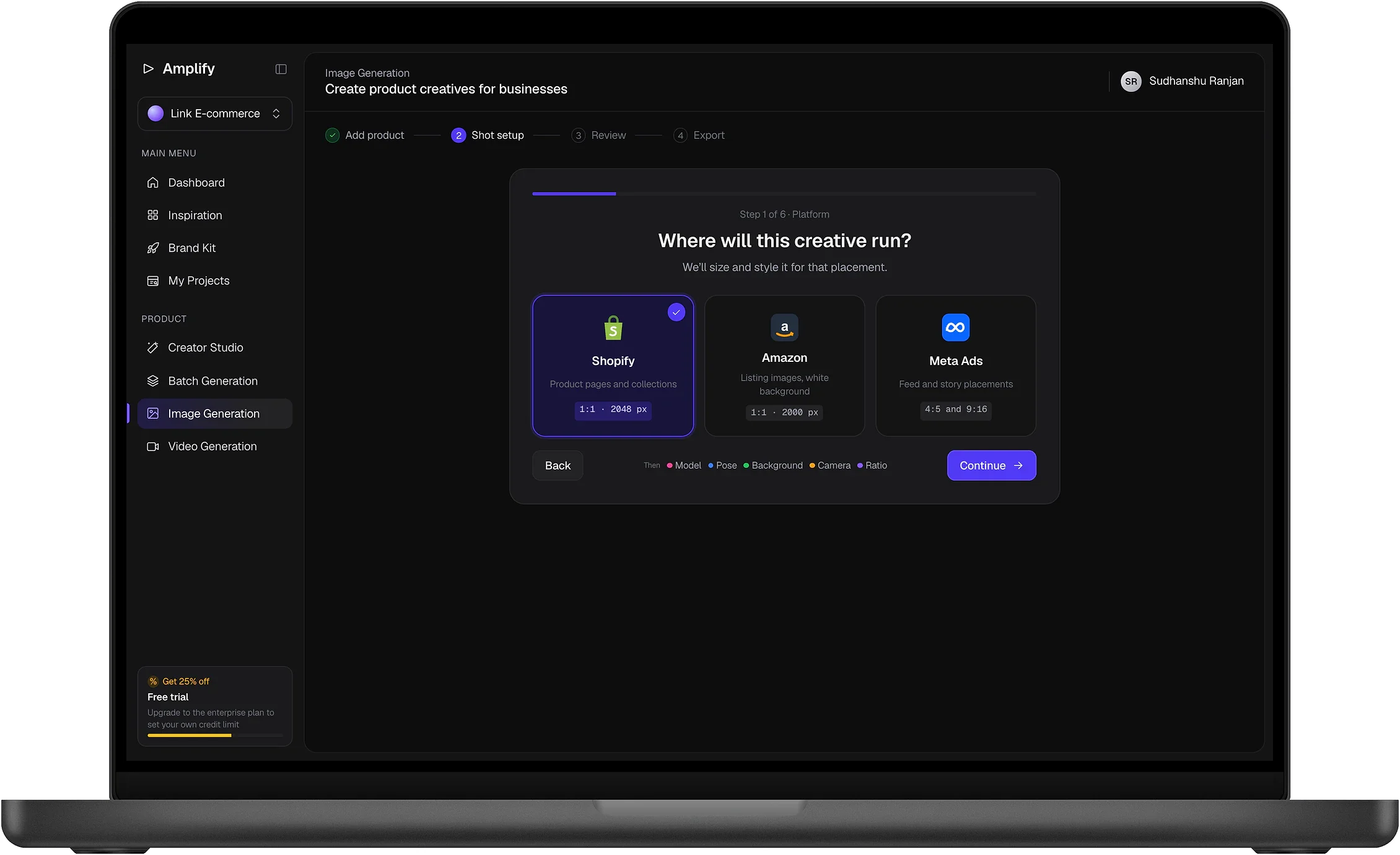
A wizard, one question a page. Six pages to click, and no way to see the setup at once.
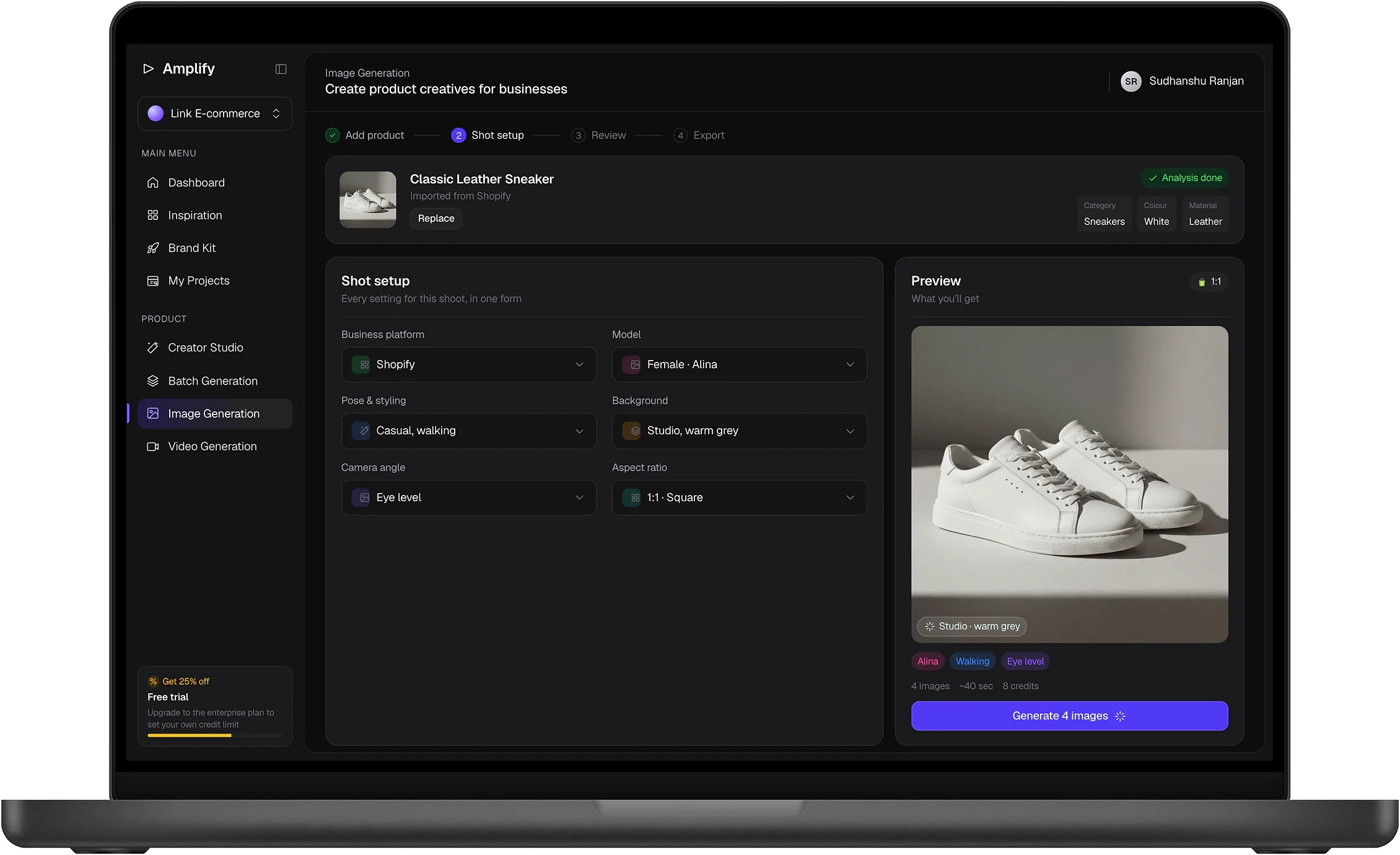
One form of dropdowns. Compact, but every option is hidden until opened.

Settings left, options as cards. Shipped.
It repeats. Platform, model, pose, background, angle and ratio all use the same pattern: the setting on the left, its options as cards on the right. At 100%, the whole setup fits on one screen, so nothing hides behind a step or a dropdown.
Three ways to add a brand. The third shipped.

One long form. Everything at once, and no sense of progress.

A hex-code modal. Merchants don’t know their hex codes.

Swatches, added one by one. Shipped.
Same pattern as the shot setup, so it’s learned once: the brand’s parts on the left, the one being set on the right. Colours go in as swatches, primary first, not as codes merchants would have to look up.
Five flows. Pick one, then any screen.

Part 06
Almost nothing transferred. The two users wanted opposite things.
Uploading them was. I’d designed the fun step, not the slow one.
It meant more to review. Faster isn’t help if a human still says yes.
I was asking for their revenue, not their data.